
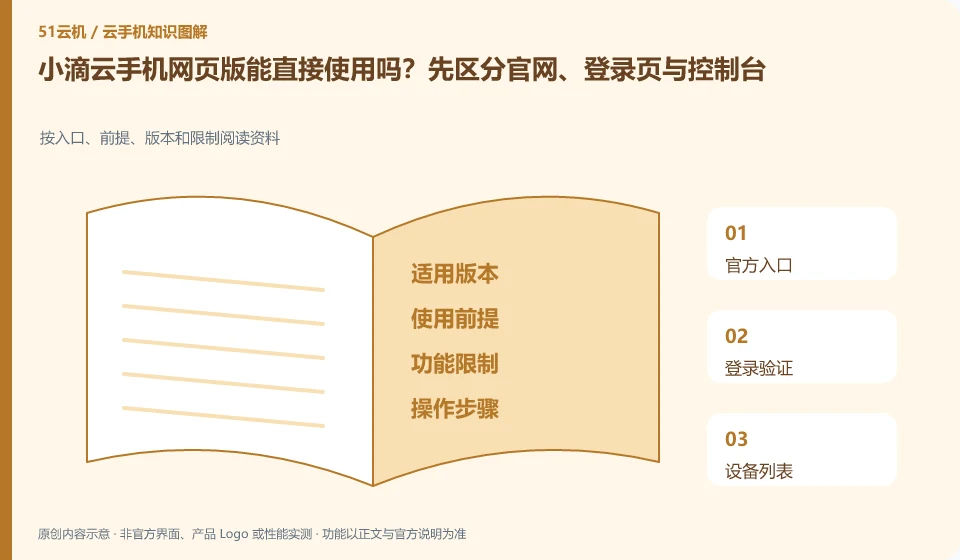
Regarding the Xiaodi Cloud phone, the key to this issue is: the official website is used to learn about the product, the login page is used to verify the account, and the real console is responsible for displaying and controlling the device. Seeing "Experience the web version" does not mean that no account is required, no equipment is required, or it is permanently free, nor does it mean that the browser has all the functions of the client.
Known information about Xiaodi Cloud phones and the key points of this verification
Xiaodi Cloud phone is an Android mobile phone product running on a remote server. The official website provides web, Windows, macOS and mobile portals, and indicates the data cleanup when expiration or replacement.
The "experience web version" of the official website should be entered from the product page, and avoid using the so-called direct login on the search page as the only valid entrance.
The evidence boundary of this article is: the official website developer is Changsha LDCloud Network Technology Co., Ltd.; being a joint operator does not mean that accounts and packages are necessarily interoperable.
How this issue applies to this product
Xiaodi Cloud's official website provides an "experience web version" entrance, which is suitable for entering from the product page rather than trusting the so-called direct login on search ads. Web control does not mean installing the Android application locally in the browser; it still needs to find the cloud device under the correct account, so the official website, login page and device control screen should be distinguished in sequence.
On a temporary computer, first test a device that contains no sensitive data: can you enter text, hear audio and transfer files as needed? Multiple access methods do not guarantee identical capabilities. When finished, check the browser session and automatic login settings. Closing a tab does not necessarily sign out of the device or stop the subscription. If the web interface does not show your existing device, check the original sign-in method and filters first; do not create another device as a troubleshooting shortcut.
When the web page cannot be connected, you can keep the prompt and check whether the same problem occurs on other official terminals. If it only occurs in the current browser, check the browser conditions first; if the device itself is not available, then provide device and time information to avoid clearing the Android environment just to fix a web page problem.
Understand what this question covers
Browser-based access depends on the browser version, full-screen mode, sound, clipboard and permission settings. A failed login does not mean the account has been erased. First confirm that you followed an official link, then check the account's sign-in method and the message shown. After using a public computer, sign out and remove browser authorizations.
Check in this order
- Open web access from the official product page, then verify the domain and sign-in method.
- Open a test device and check audio, text input and file handling.
- After exiting, confirm that the session is over and log in automatically without saving on the shared computer.
Sources and scope
Sources checked on October 26, 2026. This article combines AI-assisted research of public information with independent analysis and verification suggestions; we have not conducted a hands-on test of this product. Features and costs depend on the current official documentation and your order.
Continue reading:Cloud phone basics · Cloud phone troubleshooting guide · Brand reference directory。
Related questions to explore
- Xiaodi Cloud Phone and LDCloud: a shared developer does not mean interchangeable services
- Reading Xiaodi Cloud Phone specifications: CPU, RAM, storage and image quality
- Transferring photos, documents and APKs to Xiaodi Cloud Phone
Back to the brand and product knowledge directory · Browse cloud phone topics